Settings
Click the gear at the left of the bar, press ⌘,, or right-click the menu bar icon and choose “Preferences…”.
General
Section titled “General”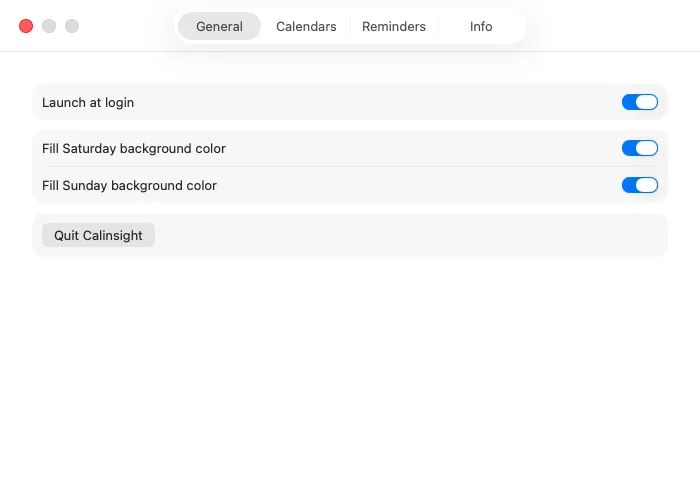
| Setting | What it does |
|---|---|
| Launch at login | Starts Calinsight when you log in to your Mac |
| Set the background color of Saturday | Tints Saturdays in the grid |
| Set the background color of Sunday | Tints Sundays and holidays in the grid |
| Quit Calinsight | Closes the app. You can also right-click the menu bar icon and choose “Quit Calinsight” |
Calendars
Section titled “Calendars”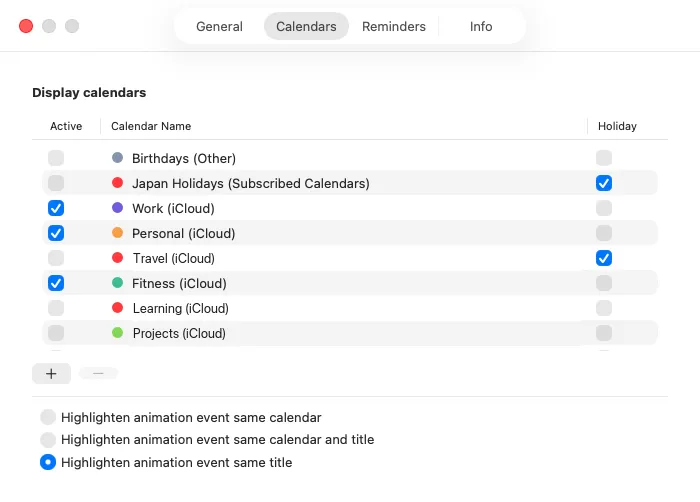
Select Active for each calendar you want to see. Selecting Holiday gives days in that calendar the same background color as a Sunday.
The three options underneath decide what is highlighted together when you double-click an event or reminder in the list.
Use + to create a calendar and − to delete the selected one.
Reminders
Section titled “Reminders”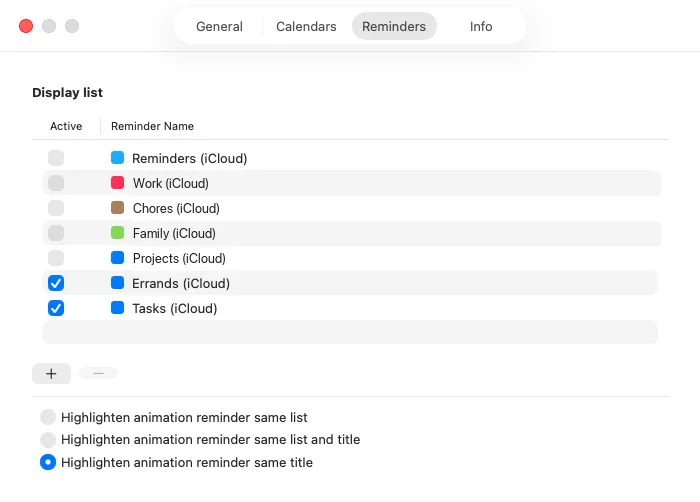
Use Active to pick the lists that appear. + creates a list and − deletes the selected one.
The three choices underneath decide what gets highlighted together when you double-click a reminder in the list.
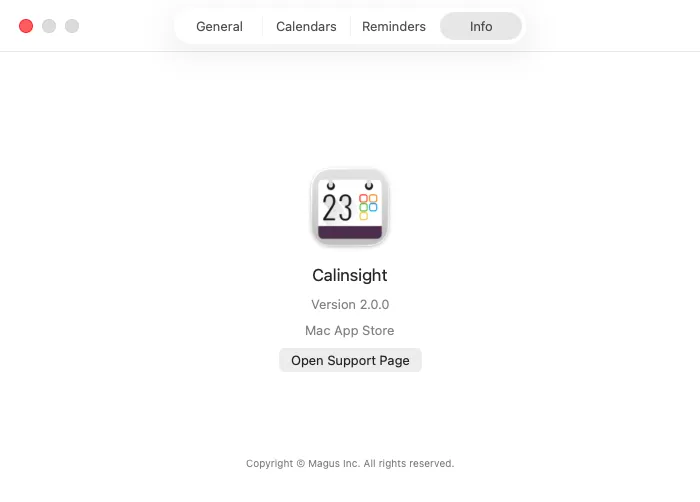
Shows the version and an Open Support Page button, which opens the support page in your browser.