
Your month and your list, together
Dots show how full each day is. The list underneath carries you forward from today.
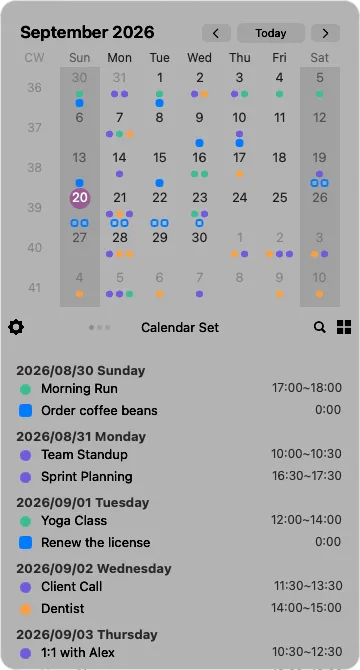
A calendar is a plan for what’s ahead — and a record of where your time went. Calinsight puts both in your menu bar. Click the icon and they’re both right there.
 One-time purchase · No subscription
WHAT IT DOES
See your month, look back, search and create — without switching apps.
Dots show how full each day is. The list underneath carries you forward from today.
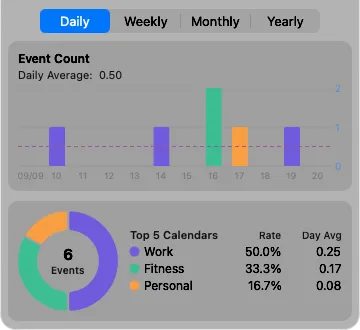
Counts by day, week, month and year, with your five most-used calendars broken out.
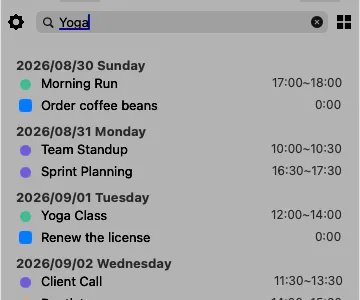
Ten years back and five years ahead are already in memory, so nothing waits on a keystroke.
⌘F↑ ↓returnesc
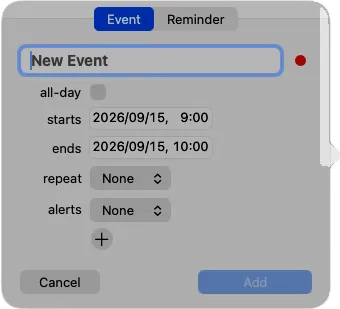
Right-click to add an event or a reminder. Repeats go as far as “the third Friday of every month.”
Switch screens, move months and open search without reaching for the mouse.
⌘1⌘2⌘3⌘←⌘→⌘F⌘,
One-time purchase · No subscription